Travel tipsYOUR TOKYO TRANSPORT GUIDE
Suica, made simple.
Compare mobile and physical cards, find out where to buy, and choose the right option for adults and children.
Checked on 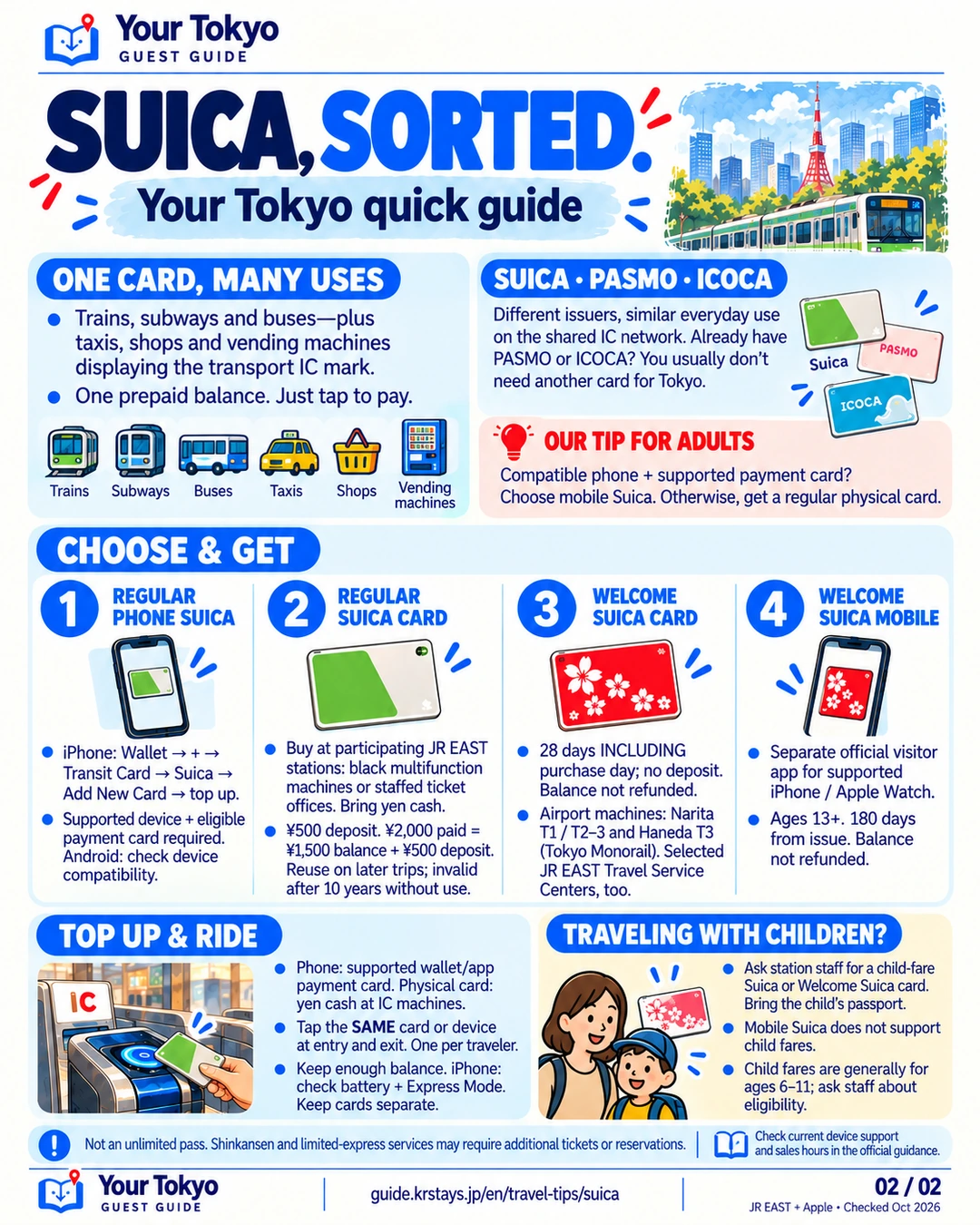 Open full-size imageRead the guide in text
Read the guide in text
ONE CARD, MANY USES
Trains, subways and buses—plus taxis, shops and vending machines displaying the transport IC mark.
One prepaid balance. Just tap to pay.
SUICA · PASMO · ICOCA
Different issuers, similar everyday use on the shared IC network. Already have PASMO or ICOCA? You usually don't need another card for Tokyo.
CHOOSE & GET
1REGULAR PHONE SUICA
iPhone: Wallet → + → Transit Card → Suica → Add New Card → top up.
Supported device + eligible payment card required. Android: check device compatibility.
2REGULAR SUICA CARD
Buy at participating JR EAST stations: black multifunction machines or staffed ticket offices. Bring yen cash.
¥500 deposit. ¥2,000 paid = ¥1,500 balance + ¥500 deposit. Reuse on later trips; invalid after 10 years without use.
3WELCOME SUICA CARD
28 days INCLUDING purchase day; no deposit. Balance not refunded.
Airport machines: Narita T1 / T2–3 and Haneda T3 (Tokyo Monorail). Selected JR EAST Travel Service Centers, too.
4WELCOME SUICA MOBILE
Separate official visitor app for supported iPhone / Apple Watch.
Ages 13+. 180 days from issue. Balance not refunded.
TOP UP & RIDE
- Phone: supported wallet/app payment card. Physical card: yen cash at IC machines.
- Tap the SAME card or device at entry and exit. One per traveler.
- Keep enough balance. iPhone: check battery + Express Mode. Keep cards separate.
TRAVELING WITH CHILDREN?
Ask station staff for a child-fare Suica or Welcome Suica card. Bring the child's passport.
Mobile Suica does not support child fares.
Child fares are generally for ages 6–11; ask staff about eligibility.
Not an unlimited pass. Shinkansen and limited-express services may require additional tickets or reservations.
Official sources & services
Illustrations simplify the screens and machines. Use the official instructions for current device support, sales locations, hours and conditions.
 Your TokyoGUEST GUIDE